Elements of the Interface
In this section
Hydra Billing web interface is similar in functionality and convenience to familiar Graphical User Interfaces (GUI) thanks to modern AJAX technologies.
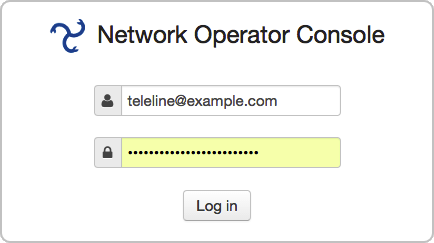
To sign up to the Service Provider Console, specify database, login, and password.
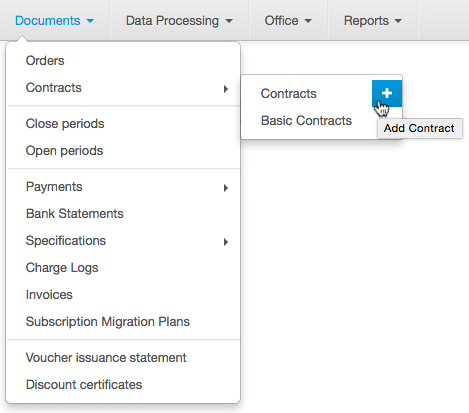
Access to all system resources starts from the main menu. The display of various menu items depends on the user permissions. For example, if the user has the right to view the product catalog, on the Master Data menu will be the Product Catalog item.  is used to return to the home page.

The  buttons next to the sub-menus are designed to add new entities to the related registries, for example by clicking next to the Contracts menu, you can create a new contract.
You can see information about the current user (Migrator), the division (hmanual), and the database (hmanual without reference) next to the main menu.

There is also a button to exit the system and a box for quick search.
The  button opens a list of links as below:
-
Help — view system documentation;
-
Change password — change the current user's password;
-
About the system — view information about the system;
-
Access rights — view a list of access rights for the current user;
-
Query — view generated database query for searching in a registry;
-
DBMS Output — view service and debugging information.
Use Add widget to add useful widgets to the home page.
When searching or downloading information, a special indicator  appears at the top of the home page.