Network Addresses
On the Master Data menu, point to Network Addresses to view registries of IP addresses and subnets (with IP and IPv6 numbering), VLANs, and also subnet groups. The menu is available when you have certain rights to view and edit registries of network addresses.
As the contents of network registries are defined in terms of traffic classes specifications, the menu allows to access only registries defined in specification that are currently in force. Use Document to choose the necessary specification.
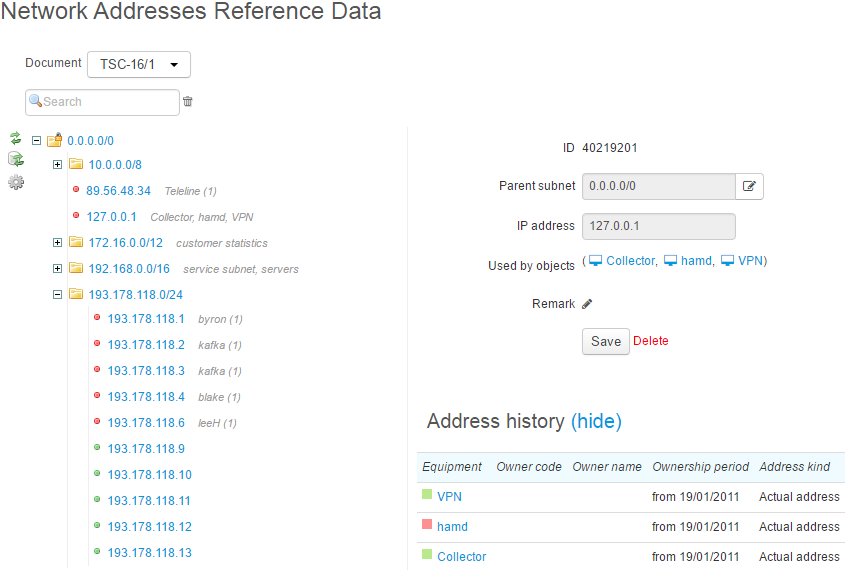
If a network address is already used by one or several objects, then all of them are listed for viewing. You can also view a history of address usage.
In these registries, you can fulfill the same operations, as within a traffic classes specification, and all these changes are automatically accounted in the specification.
To rebuild registers, click  .
.