Roles
In this section
See also
To work with roles you need the permission to edit roles (the Subject section, the Role subject type) and the Manage permissions permission from the Administration section.
A Role is a particular subject for managing Hydra users' permissions in a more convenient way. Every role stands for a certain set of permissions in accordance with functions a user performs while being assigned this role. For example, the Accountant role stands for permissions to work with financial documents, to make payments, to export documents into an ERP system, to view reports on payments and accounts status, etc. As for the Customer care specialist role, it stands for permissions to edit details of individuals, customers and their equipment, customer contracts and annexes to them, etc. All permissions attached to a role are granted to a customer in case the role is assigned to him or her.
A role can be assigned to a customer in two ways: right on the Permissions tab of a customer's page or via the position of an employee represented by a corresponding individual (the customer's basic subject). In the second case, a role is attached to a certain position type within a department so that all customers created for employees with a position of the specified type in the department are granted permissions as per this role.
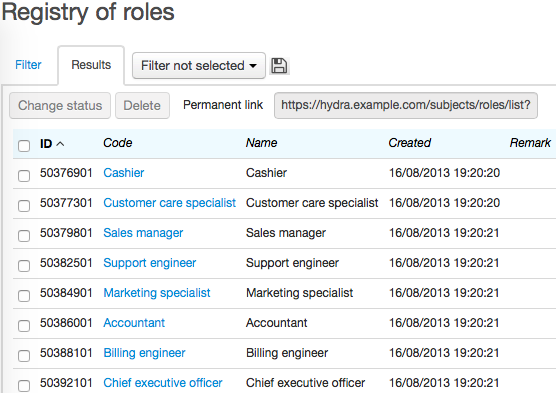
To view roles, click Roles on the Administration menu.
In Hydra, there is a number of preset roles: you can use them (and edit the list of permissions attached to them, if necessary) or create your own ones.
Add new roles just like any other subjects: click Add within the registry or  next to the corresponding menu. Type Name and Code for it. Click Add.
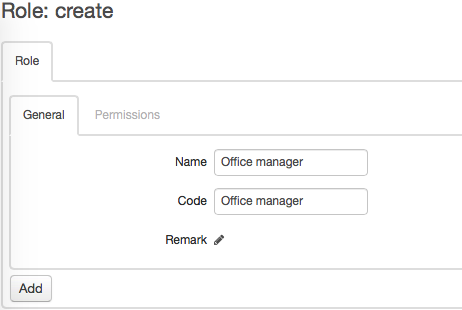
Now that the role is created you can attach certain permissions to it.