Customer Permissions and Bindings to Divisions
In this section
See also
The Permissions tab is designed to manage customer perrissions and attach them to divisions.
Bindings to Divisions
In the Division section, specify which division the customer is related to. If your company has no divisions, bind the customer to the company itself.
In order to have access to the applications, the customer must be bound to at least one division.
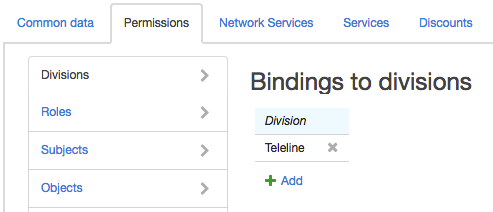
Click Add and enter the division you need in the new row. If you want to edit the existing binding, click the corresponding row, make the necessary changes and click Save.
Managing Permissions
The Permissions tab is used for giving permissions either to employees who require access to the Service Provider Console or to ancillary customers that are used to provide access to DB to third party applications. This tab, as a rule, is not used for regular customers.
Permissions can be given in three ways:
-
through preconfigured roles;
-
through the position of an employee — an individual who is the basic subject of a customer;
-
directly on the Permission tab of the customer page.
Hydra Billing combines permissions given in any of these three ways.
The most convenient way to manage customers' permissions is by appointing one or more preconfigured roles. In this case, changes to the permissions associated with a role extend to all customers who are given this role.
The second way—giving permissions through a position—is useful when there is a large number of employees, because in this case, you don't have to separately assign roles to each of them.
Giving permissions to a customer directly is not recommended.
Roles are assigned to the customer on the Permissions tab:
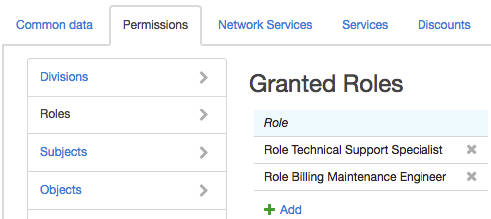
If necessary, permissions can be given to a customer directly in the same way as it is done for roles.