Groups
In this section
See also
For more convenience, you can group basic subjects, such as customers, individuals, and organizations. When creating any basic contract, specify a group of customers for it. Further, you can create a contract for a customer, using a basic one, even corresponding to the group the customer does not belong to.
Including a customer into at least one group is obligatory. Individuals and organizations do not have to be referred to any groups.
Groups can be useful for separating basic subjects while issuing invoices, creating reports, etc, when classifying by other system tools, such as by basic contracts, areas, and basic subject types is impossible.
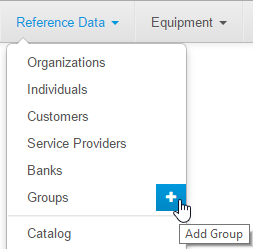
Manage groups via the menu Master Data → Groups.
Creating and Editing Groups
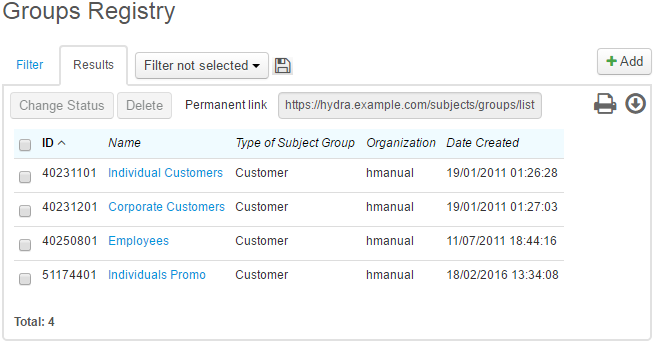
To add a new group to the registry, in the menu click  next to its name, or open it and click
  Add.
Add.
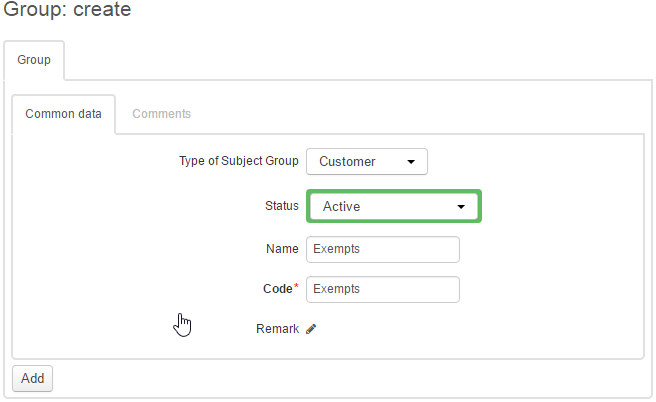
When creating a group, choose a status, enter the name and the short name (code).
Click Add to complete creating the group. You can edit it later using search in the group registry.
To delete a group, click Delete.
Adding a Subject to the Group
To add any subject to a group, use the button next to the Group box on the subject's page.
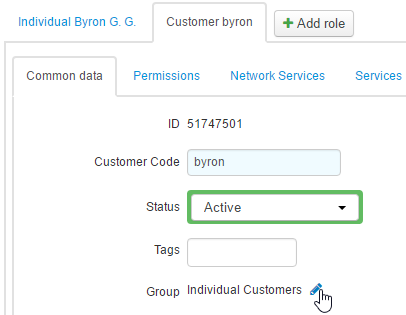
In the pop-up window, choose one or several groups for the subject.
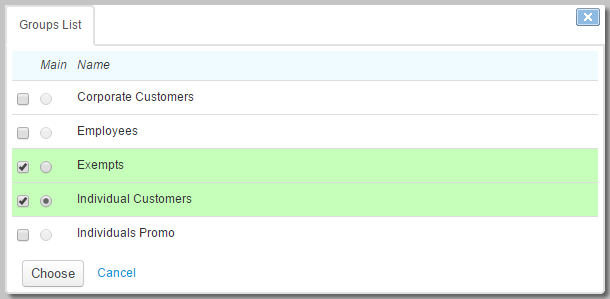
If a subject is included into several groups, one of the groups should be marked as the main, so the system uses it as a default group for the customer.