Editing and Deleting an Organization
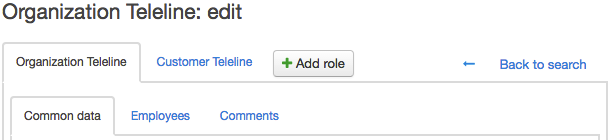
To edit the organization details, manage its addresses, accounts, and employees open its page using the Registry of organizations or quick search.
Make your changes, add an address or an account on the General tab.
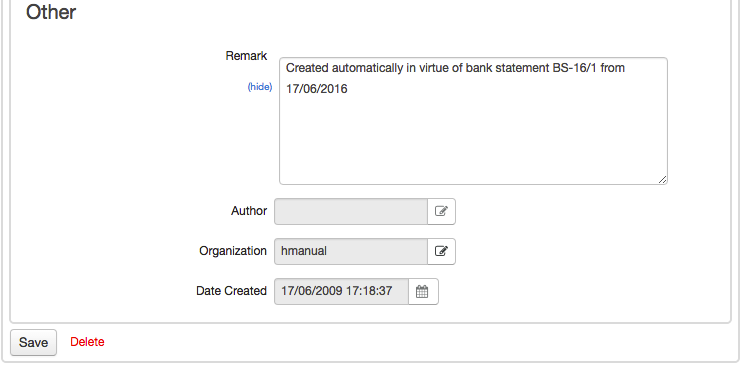
In the Others section, you can see who created the organization and when.
You can write comments about the organization and also set reminders on the Comments tab.
To save your changes, click Save. If you want to delete the organization, click Delete.