Reference Data
On the Master Data menu, click Reference Data to view system and user reference data which values are used in drop-down lists.
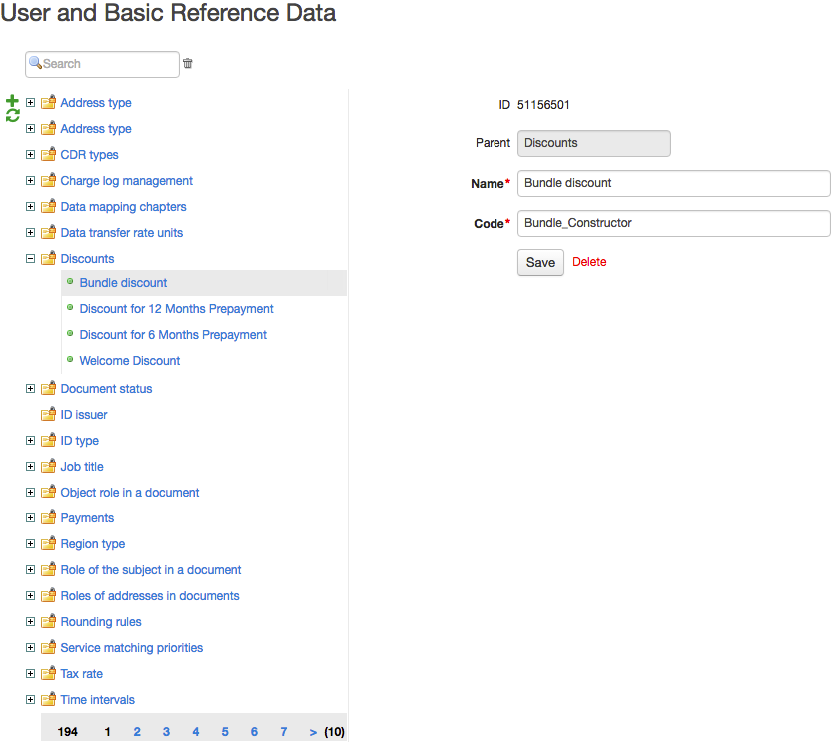
System reference data, required for the proper system functioning, are divided into read-only and partially editable, marked with  or
or  correspondingly. Read-only reference data contain only non-editable system values marked with
  . Partially editable reference data, apart from system values, may also contain user values. Such values are marked with
  , and can be changed. Also, partially editable reference data may contain only user values (for example, the Time intervals reference data).
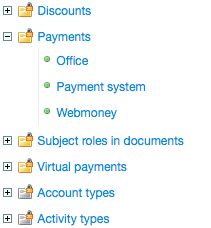
To add a value, click  next to the corresponding reference data. Type Name and Code, and click Add. Below, see the Real payments reference data with three user values: Office, Payment system and Webmoney. You can use them as real payment types in payment documents.
Fully editable user reference data are marked with  . To add new reference data, click
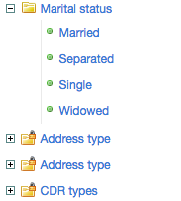
  on the left of the reference data list. Type Name and Code, and click Add. Then add necessary values. Below, see the Marital status reference data. Such reference data can be used when creating a custom field for orders.