Creating and Editing a Customer Account
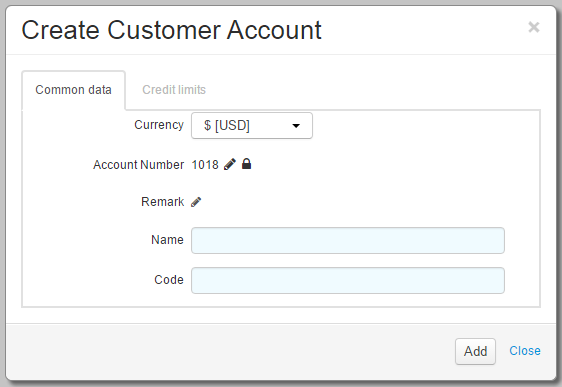
To add a new customer account, click  Add account and enter the necessary details. Account number, Opening date, Name, and Code are populated automatically, but can be entered manually if required.
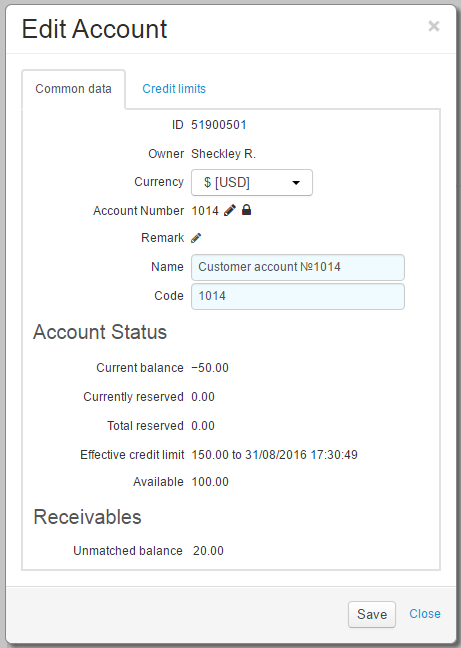
To view detailed information about the customer account or to edit it, click the appropriate row of the accounts table. You can change the account number, its full and short names.
On the Credit limits tab you can see information about customer credit limits, grant a customer temporary or permanent credit limit or specify the credit limits maximum amount. Previous credit limits are not shown. You can view the customer's credit limit history on the Payments and charges tab.