Editing a Customer
To open a customer’s page use the quick search or the Registry of customers.
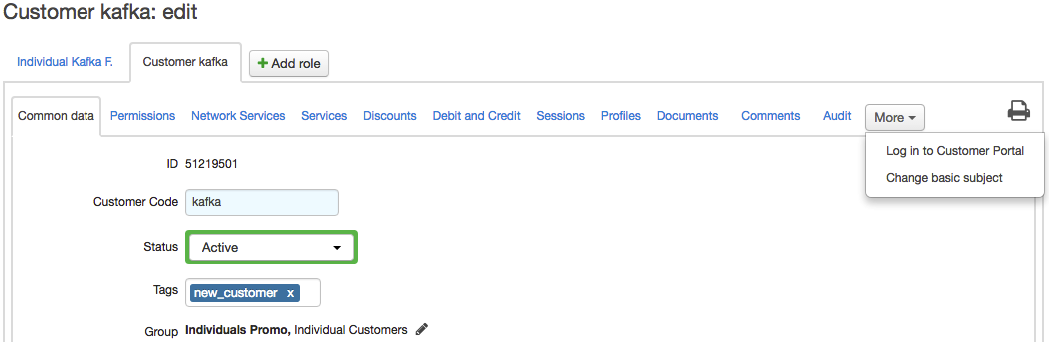
The following tabs are available, depending on the rights of the current user:
General — to view and edit customer details, manage accounts, contracts, subscriptions to services, and equipment;
-
Permissions — to manage customer access;
-
Network services — to subscribe a customer to network services and allow access to applications;
Services — to view information about current, ordered, and already provided services;
-
Discounts — to view current and previously granted discounts;
-
Payments and charges — to view a history of payment and charges;
-
Sessions;
-
Profiles;
-
Documents — to view all documents connected with the customer;
-
Comments — to write comments or set reminders;
Audit — to view the change history of customer subscriptions to network services.
You can log in to the customer’s Self-Care Portal: click More, click Log in to Self-Care Portal, and type your password for the Service Provider Console.
To change the customer’s basic subject (individual or organization), click More, then click Change basic subject and enter a new basic subject.
To delete a customer, click Delete at the bottom of the customer’s page.