Editing a Contract
When editing a contract, you can change its number, status, period, parties, basic contract, and tags.
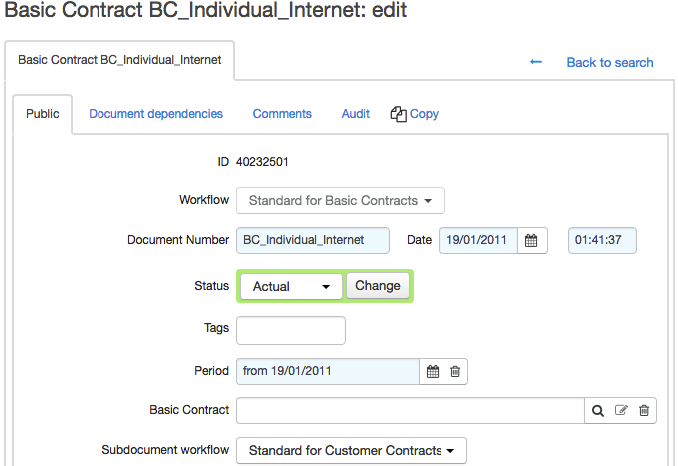
You can change the basic contract in the corresponding box. You can also leave the box empty, then a contract is not tied to any basic one. However, such a structure is unpractical and inadvisable (even when creating individual conditions for corporate clients), given that it causes a significant increase in effort for creating and editing conditions for each particular customer.
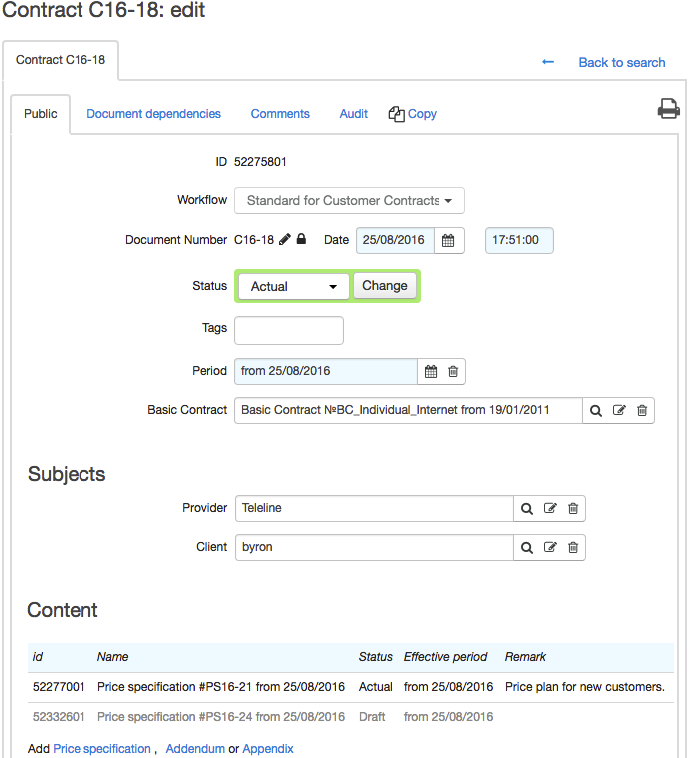
In the Contract terms section, specify the conditions for providing contract price plans.
In the Contents section, see the documents related to the contract. You can add a price specification to a basic contract by clicking the corresponding link. When editing a service contract, you can also add other documents, such as annexes and addenda.
Services specified in all price specifications for a certain basic contract will be available to all customers whose service contracts are created on the ground of this basic one.
The Exclude documents with expired validity period check box allows hiding all documents which periods are over. If there is no such a check box, the contract contains no expired documents.
If you need to move an already existing document (a price specification, an annex or an addendum) from one contract into another, open this document and in Contract choose the new one. After that, the document will be shown in the Contents section of the chosen contract, and deleted from the contents of the previous one.
If necessary, you can add a file or a comment to a document.