Adding and Deleting Entries
To add a new entry (group, usual entry or type of specification items), click  next to the entry which will be the new parent, and select the entry type.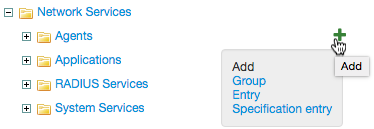
You can add sub-entries to entries in Traffic services by pressing on the row you need and choosing Detailed services from the menu.
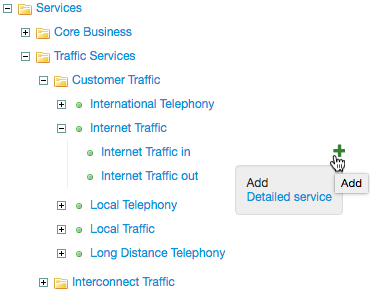
Fill in the fields and click Add.
By clicking  next to the entry, you can create a copy of it suitable for editing.
To delete a group or entry, choose it from the catalog tree and click Delete.